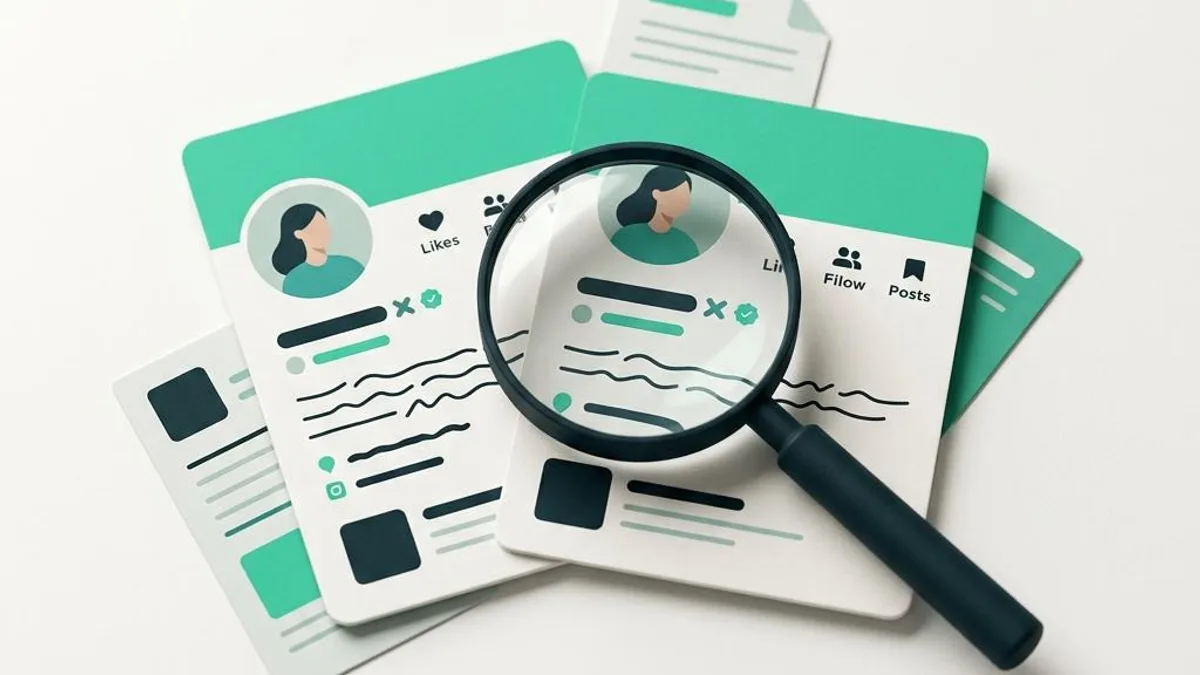
The creator in the profile photo may be real. The account asking you for money may not be. Impersonators can copy profile images, display names and biographies, then direct fans to a payment app or fake link to collect money for a custom they'll never make.
How the impersonation usually works
A fan finds an account claiming to represent a familiar creator. The profile may use a nearly identical handle or copied photos. It sends a message offering a personalized video, then instructs the fan to pay outside the normal channel. After payment, the account disappears, delays indefinitely or asks for more money. Not every second account is fake; creators legitimately use multiple social profiles. Verification requires checking the connections between them.
Seven checks before paying anyone
- Trace the account from a known public source. Follow links published by a creator on an established profile instead of trusting an unsolicited DM.
- Examine the entire username. Added underscores, swapped letters and slight misspellings are easy to overlook.
- Check historical consistency. A brand-new profile with many copied images deserves more scrutiny than an established account with consistent public links.
- Verify the destination domain. A convincing page design doesn't prove that a login or payment URL is legitimate. Check the exact hostname.
- Question abrupt payment changes. A request to pay a random personal wallet or third-party account could indicate impersonation.
- Do not send personal documents. A stranger in DMs does not need your license, bank login or one-time authentication code to discuss a custom.
- Separate identity from fulfillment. Even if the profile is genuine, confirm the creator accepted the actual custom terms before paying.
What if you've already sent money to a fake account?
Stop sending additional payments. Preserve the handle, profile URL, messages, transaction record and the account or wallet that received the funds. Report the impersonator using the affected platform's tools and contact your payment provider immediately. Ask whether a transfer reversal or card investigation is possible; it may not be. FTC scam guidance explains how to respond based on payment method.
If you gave away a password or verification code, secure the affected account right away. Report a copied creator account to the legitimate creator through a reliable public channel—without sending them your intimate material or asking them to contact the suspected scammer.
Why independent social verification helps
TrustCustoms permits a fan to publish an Offer naming a creator who hasn't joined the platform. But posting an Offer does not verify or enroll that person. To claim it, the intended creator must join, complete required approval and verify control of the matching social identity. Only then can they accept, counter or decline. That process adds a distinct identity checkpoint before a TrustCustoms custom order begins; it does not promise a creator will participate or eliminate all risk.
Frequently asked questions
Does a verified-looking badge guarantee the seller is real? No single badge or image is foolproof. Trace the account through independently established links and the payment destination.
Can a scammer use a real creator's videos? Yes. Real media can be copied or misused without the person's permission. Media alone does not verify who controls the account.
Can I make a TrustCustoms Offer for a creator who is not registered? Yes, as an invitation, not an accepted order. See how Offers work.
Also read nine red flags for custom orders and how OnlyFans customs work.
TrustCustoms is independent and not affiliated with or endorsed by OnlyFans.