If you're thinking, “An OnlyFans creator scammed me—what can I do?”, your best next move is to document what happened and act through the appropriate payment and support channels. You do not need to prove criminal fraud before asking about a missing order or reporting a misleading sale. But you should describe the facts accurately rather than assume every bad experience was intentional.
First, figure out what went wrong
The path forward depends on the transaction. Did you pay for a subscription, unlock existing PPV, send a voluntary tip, or pay for a custom with specific promised requirements? Those are different purchases. Likewise, someone pretending to be a creator is different from a real creator failing to fulfill an accepted custom request.
Write a one-sentence account of the issue: “On [date], I paid [amount] for [specific item], which the messages said would be delivered by [deadline], and I received [what actually happened].”
Step 1: Preserve the evidence you already have
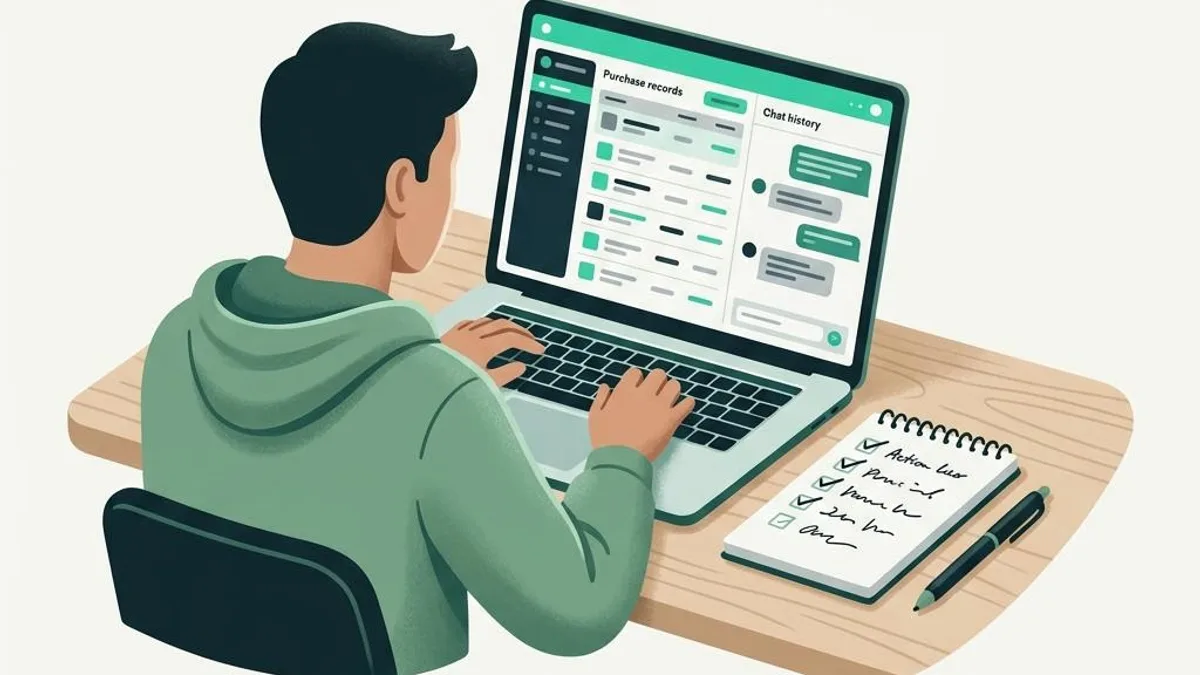
Record the profile URL and username, purchase date, transaction ID or receipt, agreed brief, messages confirming the price, deadline, and any follow-ups. Preserve correspondence in a secure place, using the platform's permitted methods. Keep private material private. Do not post identifying information, content files or sexual images publicly to pressure someone.
Step 2: Ask for a specific resolution
Send one calm message referring to the original agreement: “I paid for [deliverable] on [date]. The agreed deadline was [date]. I have not received it. Please confirm delivery by [reasonable date] or let me know how you can resolve the issue.” Avoid threats or repeated harassment. If you suspect an impersonator, stop paying and report the profile instead of negotiating.
Step 3: Contact OnlyFans through its official support channels
Use the current support/reporting options in your OnlyFans account or the official website. Provide a concise timeline, transaction reference and the material terms. Ask what review or refund options apply to that type of transaction. Do not assume that all tips, messages, subscriptions and customs have the same rules, and avoid unofficial “refund agents” that ask for money upfront.
Step 4: Contact the payment provider where appropriate
If a merchant won't resolve a paid-for item you never received, ask your card issuer whether a dispute is available for that particular purchase. The CFPB explains options for goods or services not delivered. For some U.S. credit-card billing errors, written notice within 60 days of the statement matters; eligibility and procedures depend on the facts. An authorized purchase you regret is not an unauthorized transaction. Be precise with your bank.
If you transferred money to a suspected impersonator using a payment app or bank transfer, notify the provider immediately and ask whether recovery is possible. The FTC's scam recovery guide covers different payment methods. No one can guarantee a reversal.
Step 5: Report impersonation or theft if relevant
If a fake profile collected the money, report that account on every platform where it appeared and consider reporting the suspected fraud at ReportFraud.ftc.gov. If your credentials or card information were exposed, change the affected passwords and contact the relevant financial institution promptly.
For the next custom: separate the order from casual DMs
TrustCustoms cannot investigate or refund an earlier OnlyFans purchase. For a new request, though, you can write down the deliverable and price, invite a creator, and use a tracked order flow with payments after acceptance, private submission and administrative review. Consult the TrustCustoms refund policy—its approved refunds for accepted orders are wallet credit, not card refunds.
Frequently asked questions
Can I get my OnlyFans money back? It depends on what you bought, the platform's policies, the evidence and your payment method. Neither a refund nor a card dispute is guaranteed.
Should I post the creator's identity to warn people? Avoid doxxing, threats and reposting private content. Use platform reporting and factual, non-defamatory channels instead.
Does TrustCustoms handle my OnlyFans complaint? No. TrustCustoms handles its own orders, not transactions made on other services.
For a future order, read how fans get scammed ordering customs and how to write a clear custom request.
TrustCustoms is independent and not affiliated with or endorsed by OnlyFans.